
How To Set Up Your Business Listing
Here’s an image guide to help you get your business listing up.
The first step is to get to the register portion after you click on the add listing link on top.
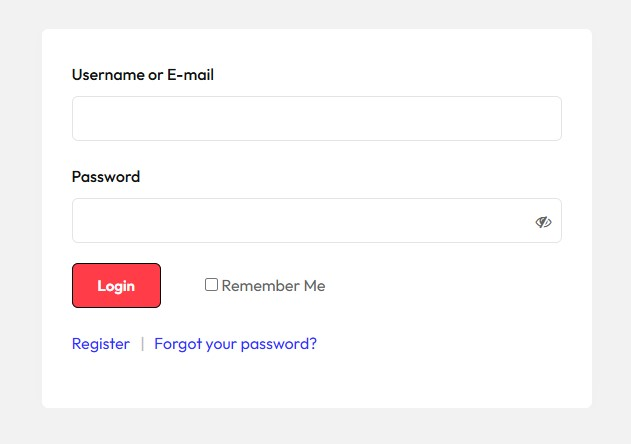
Once you have clicked on the ” Register ” You will proceed to fill out the register form .
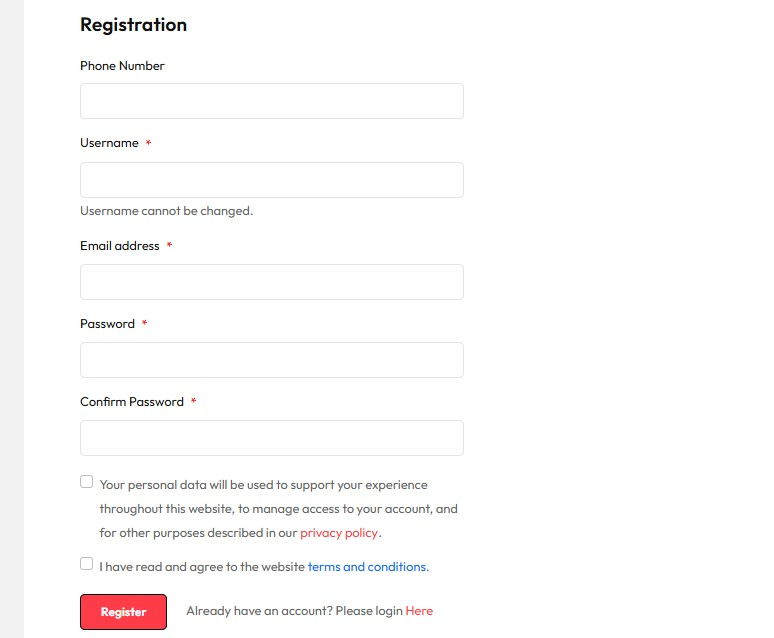
You will need to complete the required fields and click on the boxes below to confirm that you agreed on our terms and conditions part. Once you have completed the form and hit the ” Register ” button you should see the following.
The My Account Dashboard should look like the following image. On here you will see some options on your left side that will be used to make your business listings live.
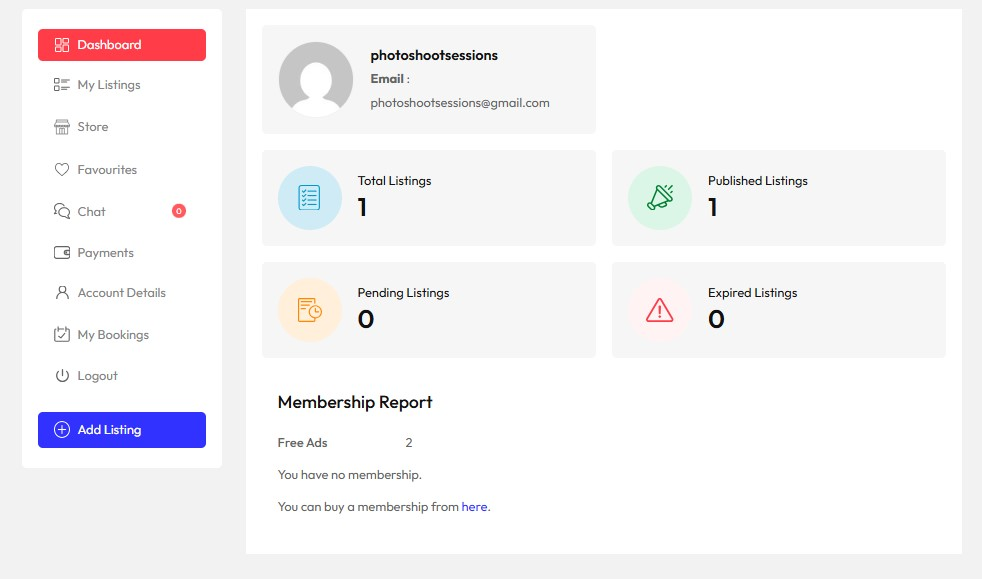
We are current allowing 2 Free Ads For 15 Days.
If you wish to continue you can upgrade